For swim parents
Swim meets are easier with this in your pocket
Results Runner Live is SwimmingSA's live results site. Follow your swimmer and it tells you when they're on next and how they went. You don't need to download anything or sign in.
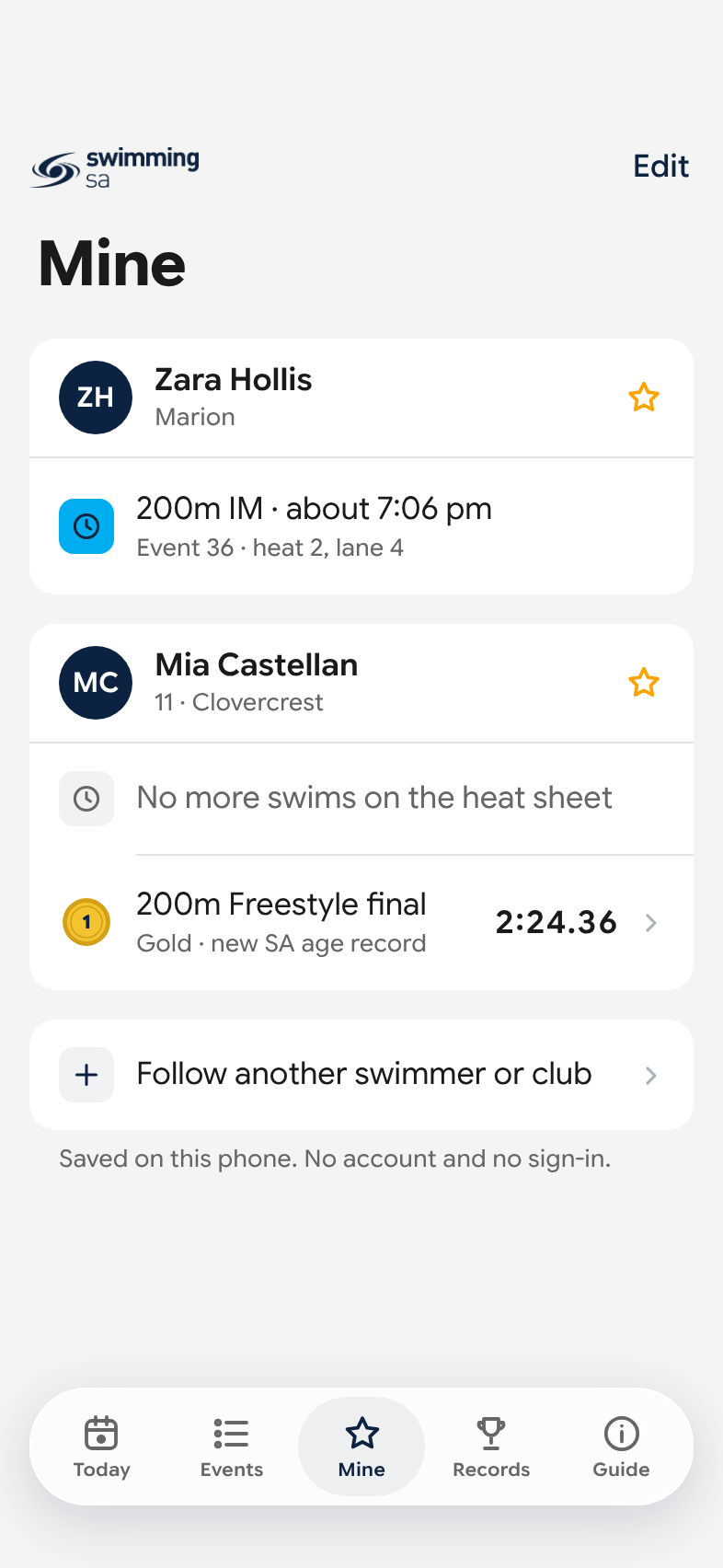
When are they on?
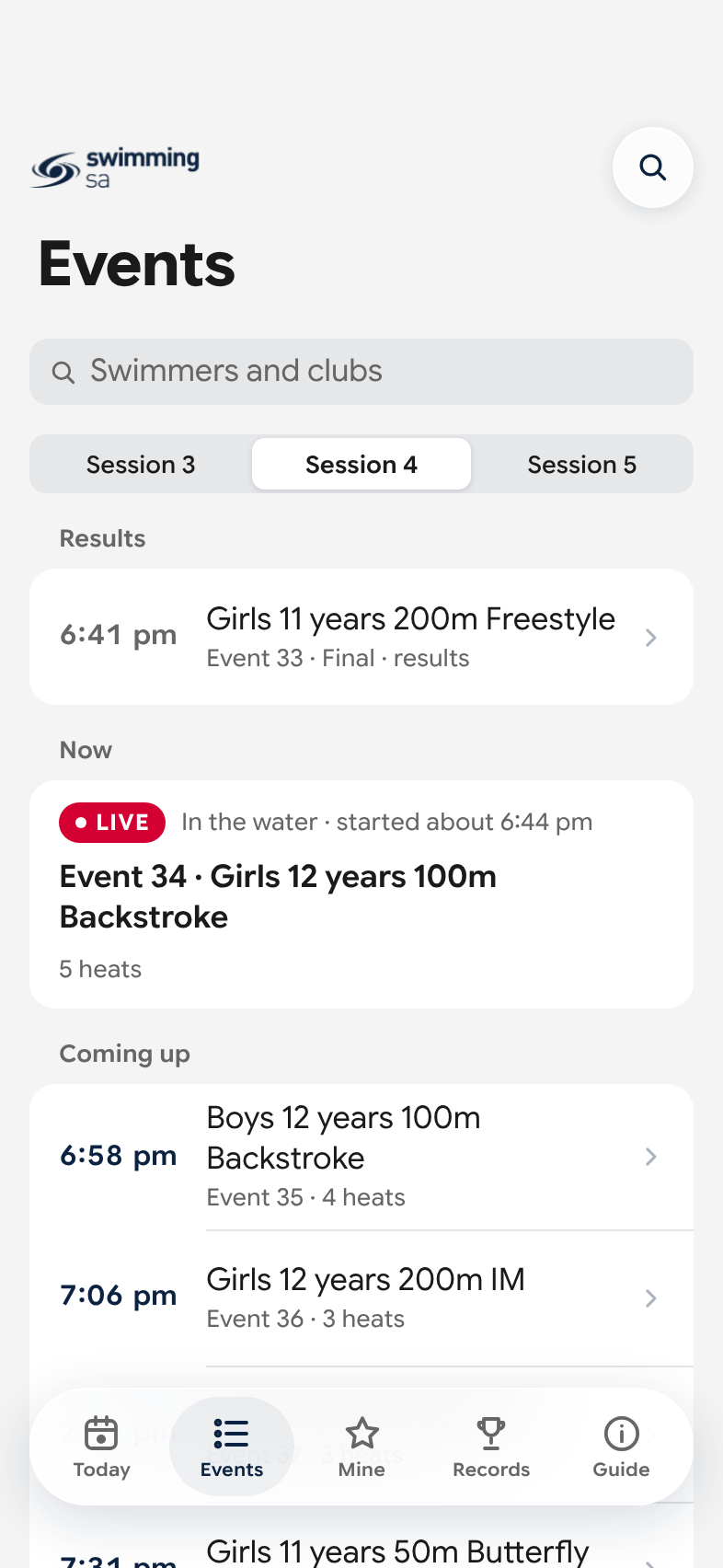
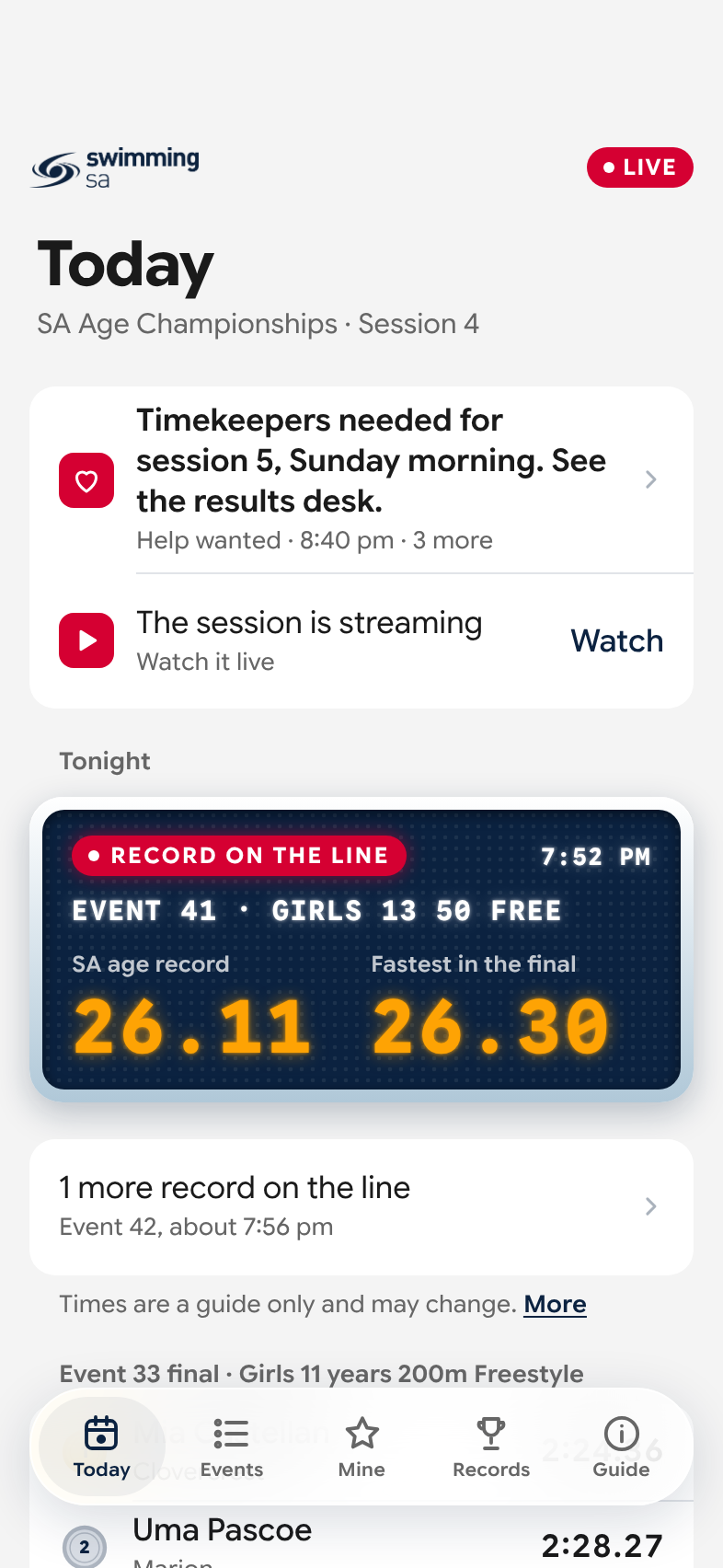
Follow your swimmer once and their swims are on one screen, with roughly what time each one is on.
Times are a guide only. They move when a session runs late, which beats working it out from the event number on the program.
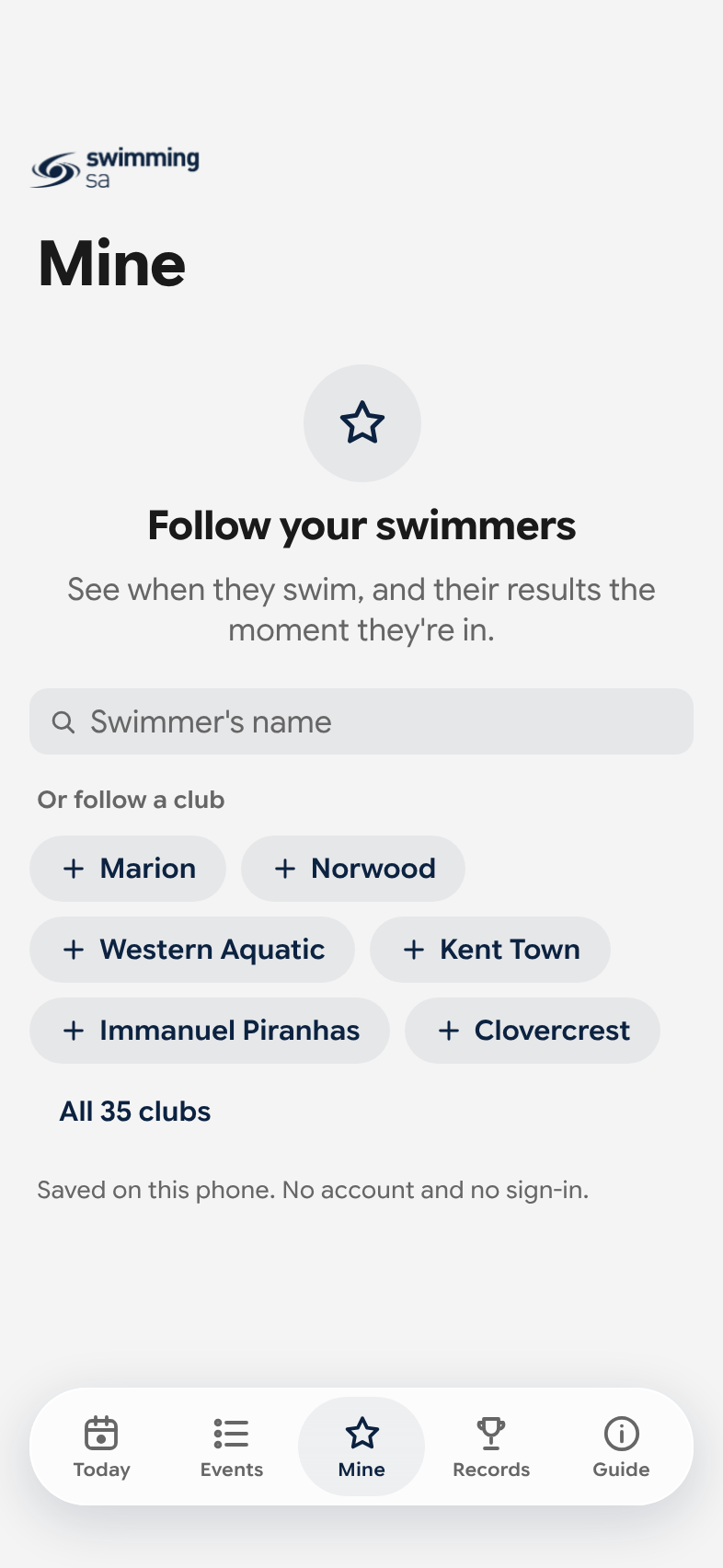
- Follow as many swimmers as you like, or a whole club.
- Add their swims to your phone's calendar.
- It's saved on your phone. There's no account to make.
How did they go?
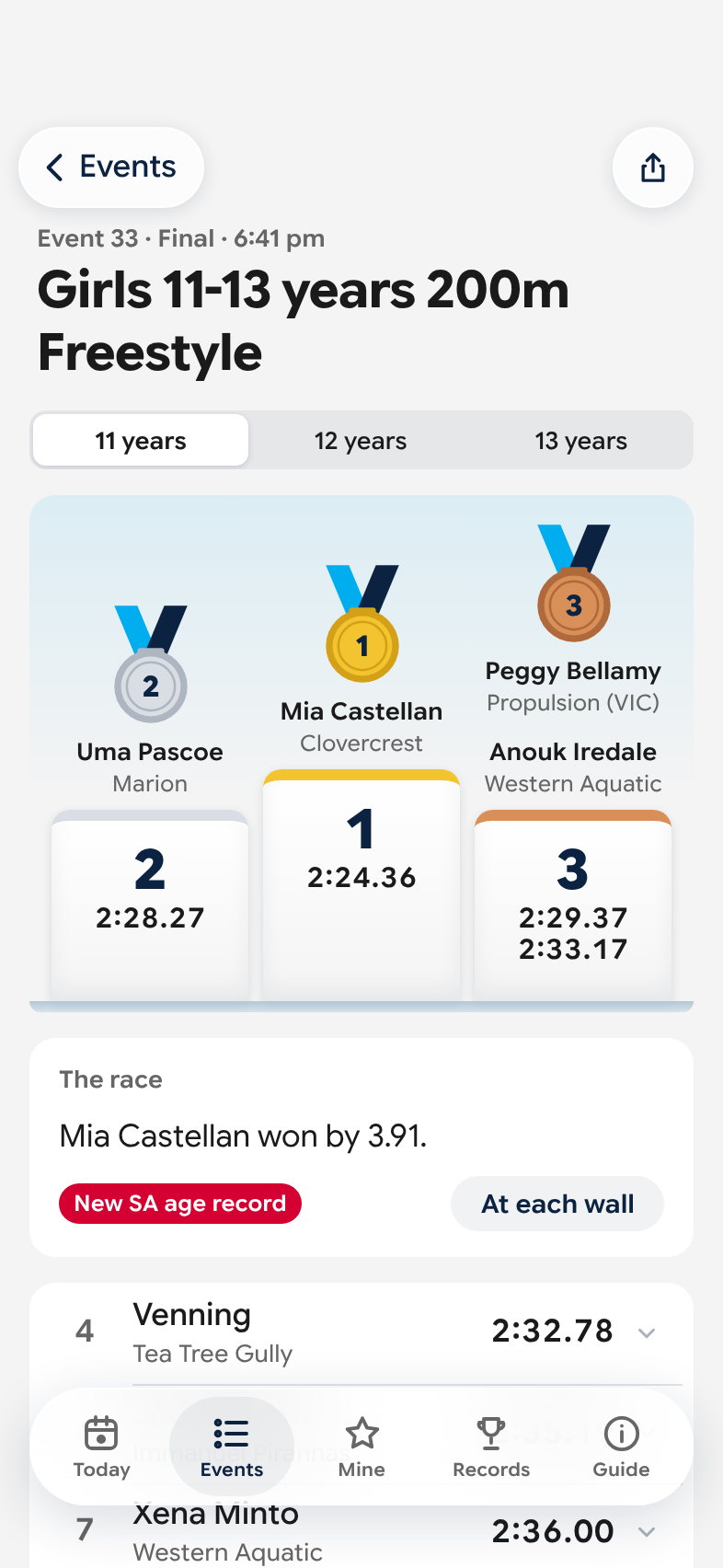
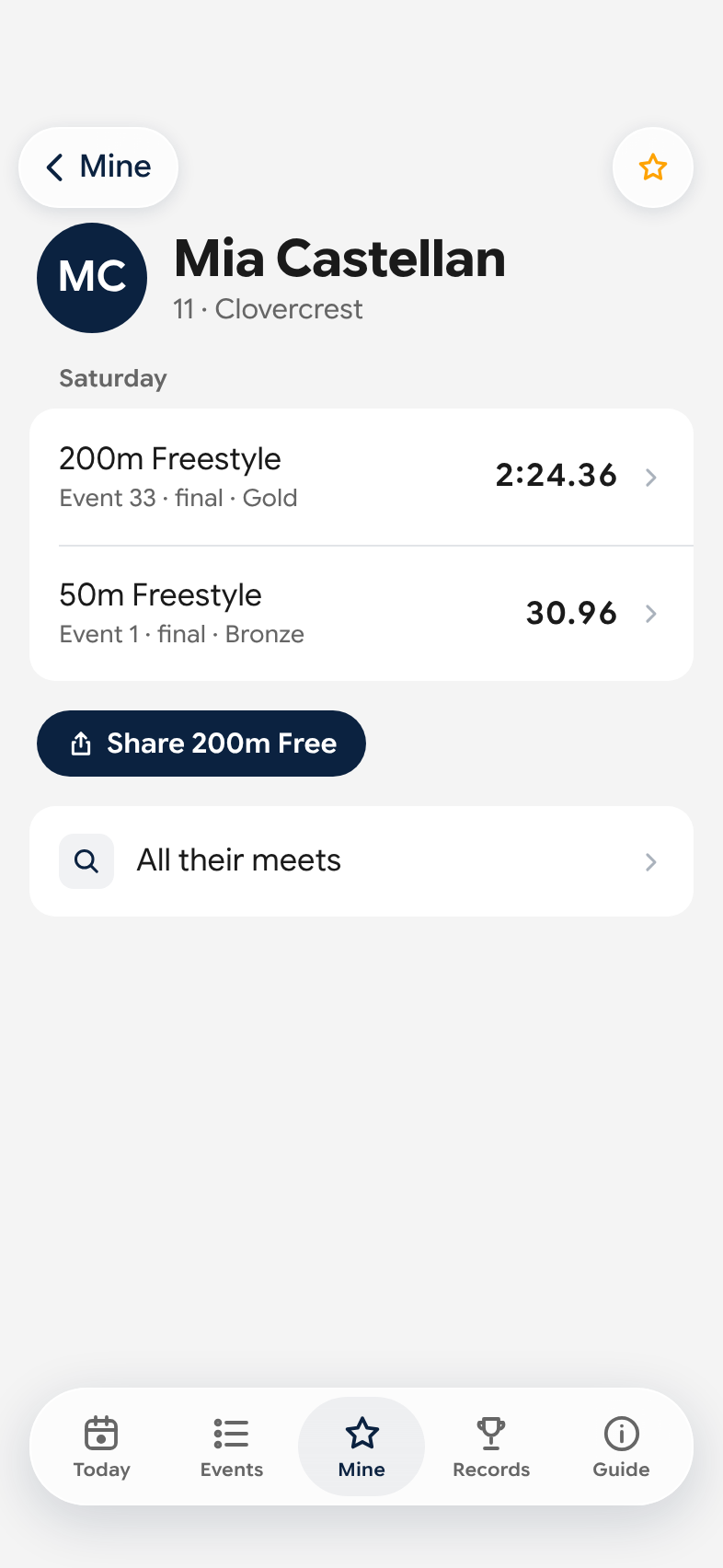
The result shows up soon after it's posted: their time, their place, and the medal if they won one.
- Tap the race for the split at each wall.
- A final shows the podium and the winning margin.
- If a record falls, it's marked on the race once it has been confirmed.
- All their swims at the meet are on their own page, with their fastest swims across every meet on the site.
Their swim, ready to send to Nan
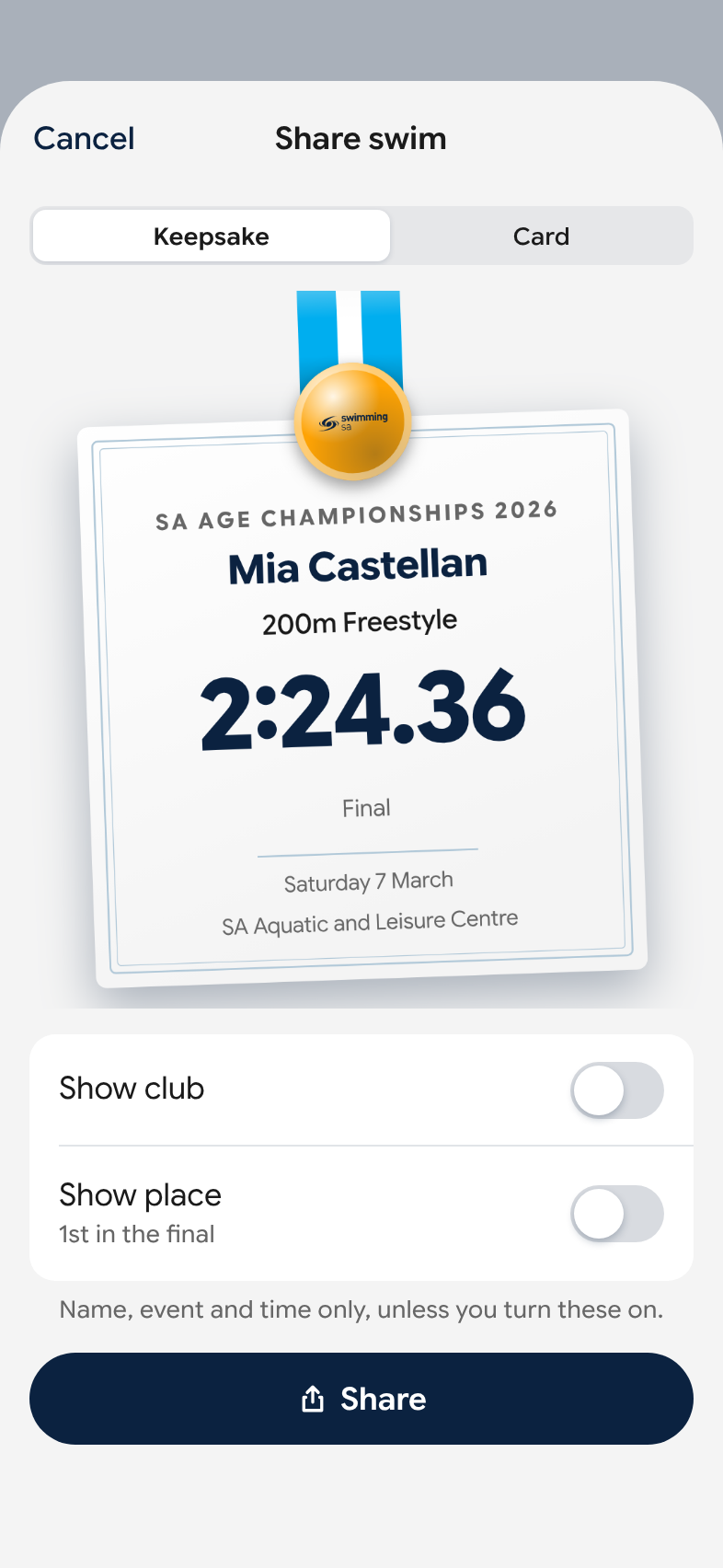
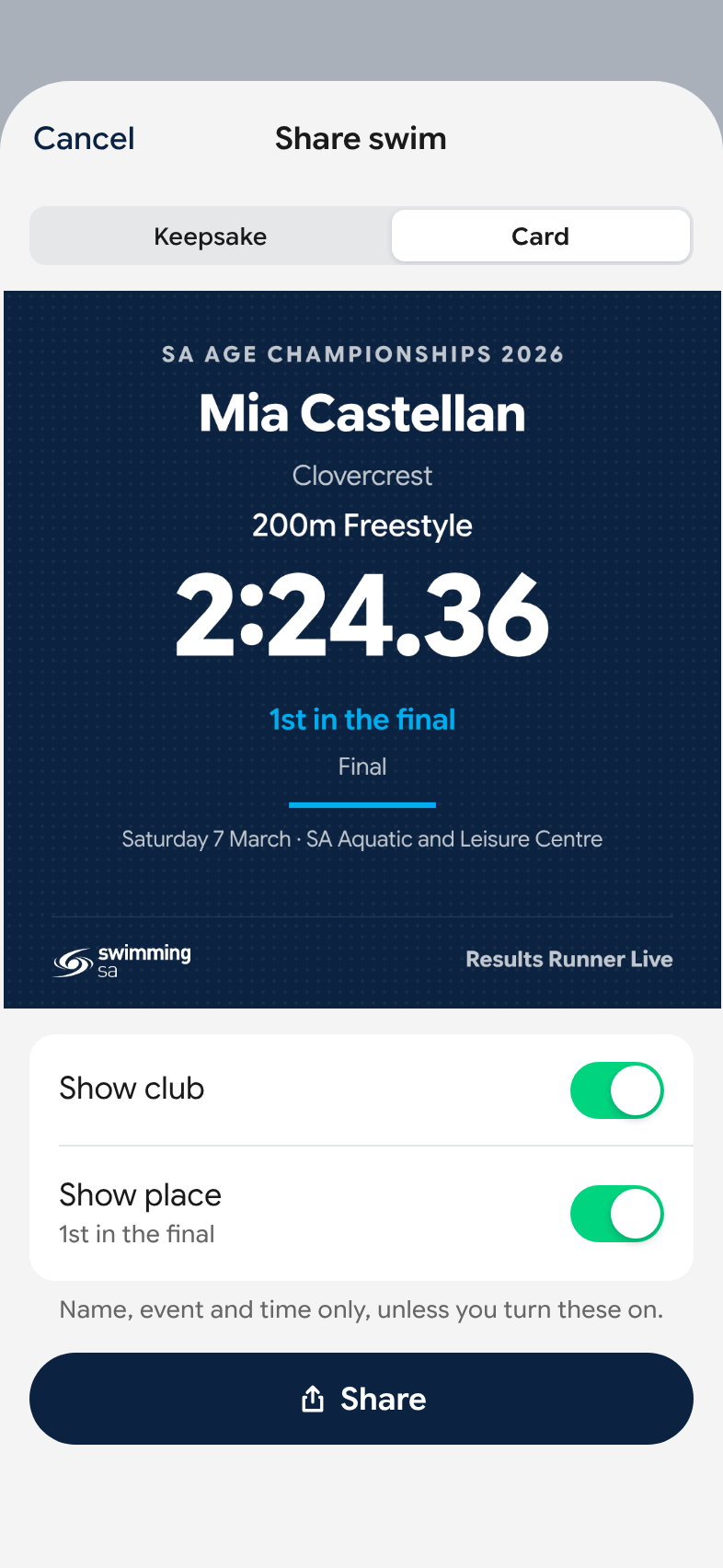
Open a swim and tap Share. It makes a picture you can send the way you'd send any photo.
- There are two designs, a medal keepsake and a card in SwimmingSA colours.
- It shows their name, event and time. The club and the place are off until you switch them on.
Before you leave the house
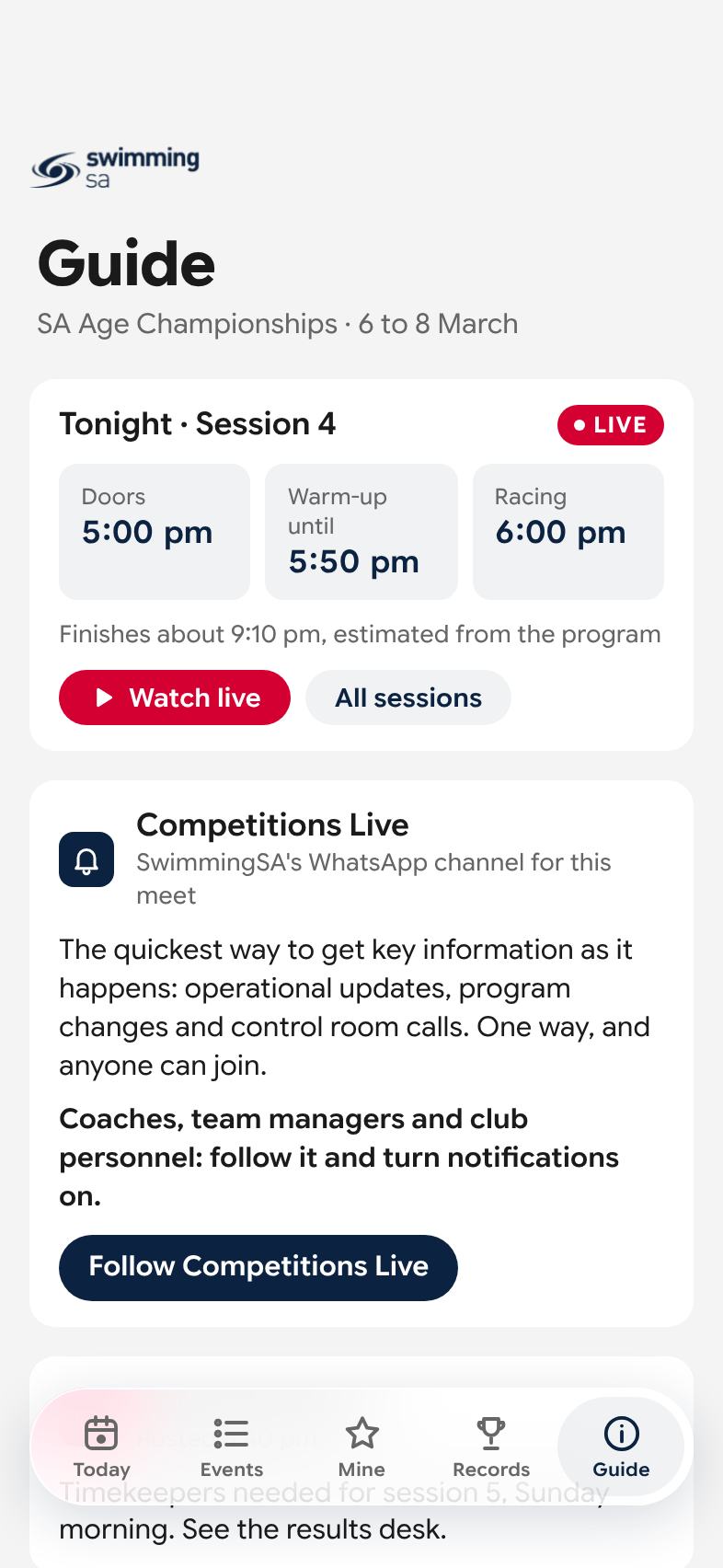
Each meet has a guide written by SwimmingSA: when doors open, when warm-up ends and when racing starts, how to get there, and what there is to eat.
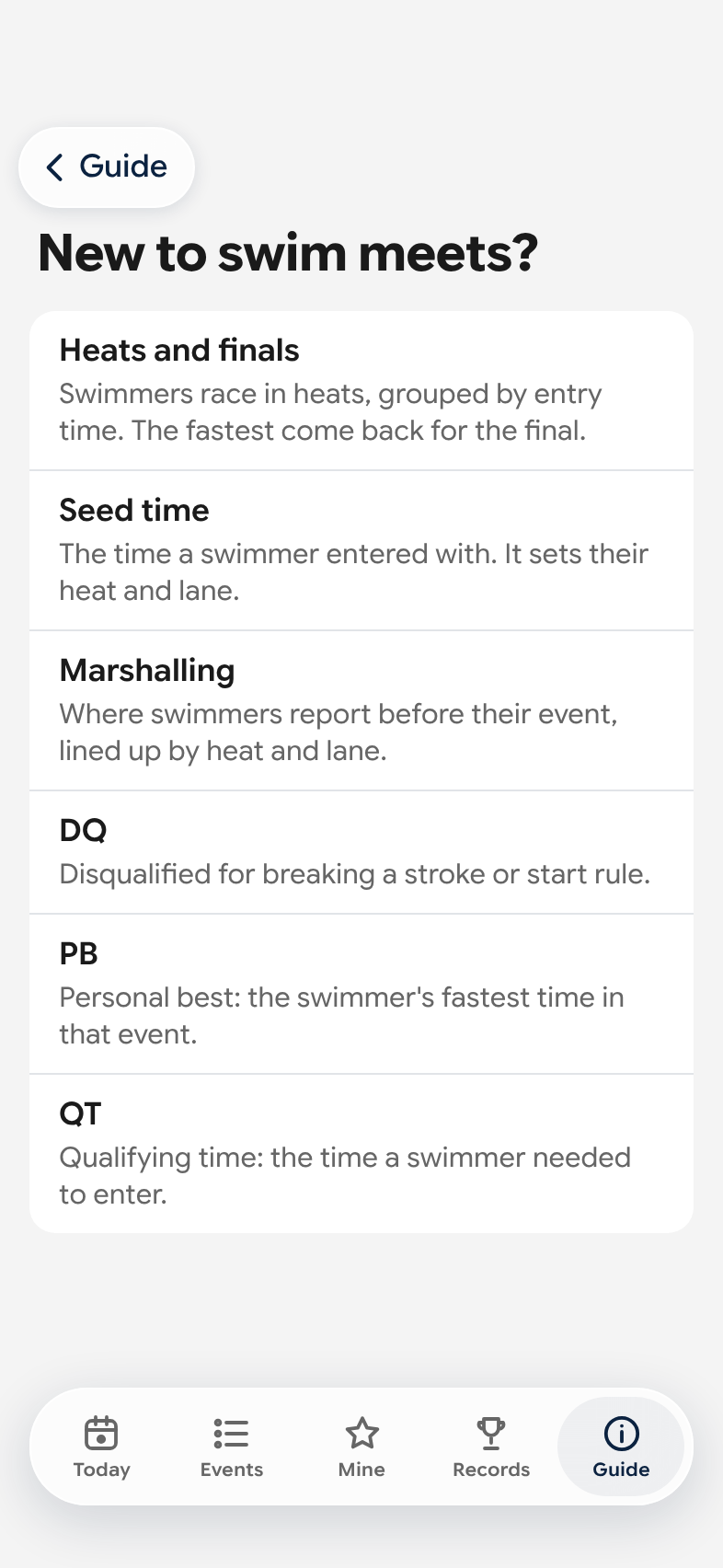
- New to swim meets? One page explains heats and finals, seed times, and what DQ, PB and QT mean.
- Messages from the meet desk show up on the day: a session running late, the car park filling up, a change to the program.
- SwimmingSA's WhatsApp channel, Competitions Live, carries the same messages if you'd rather get them as notifications.
Can't be there?
It works from anywhere, so a grandparent interstate or a parent stuck at work can follow the same swims you're watching.
When a session is being streamed, there's a link to watch it at the top of Today.
Set it up in a minute
- Open itGo to resultsrunner.com.au/live on your phone.
- Follow your swimmerTap Mine, search for their name and tap Follow.
- Keep it handyAdd it to your home screen and it opens like an app. On an iPhone, tap Share, then Add to Home Screen.
Their swims show up once the meet's program is on the site.
What it shows about your child
- What can people see?
- The same things as the meet's official results: name, age, club, times and places. Dates of birth aren't on the site.
- Can my child's name be kept off it?
- Yes. Ask SwimmingSA and the name is withheld. Their times stay in the results so the places still add up, but they aren't named and won't come up in search.
- Can anyone see who I follow?
- No. The swimmers you follow are saved on your phone and nowhere else.
- Will their results turn up on Google?
- The results pages ask search engines not to list them.
- Which meets is it for?
- SwimmingSA's own meets, and some others it follows. The meets that are on are listed when you open it.
Want the detail? How the results get to your phone and how records are checked is on its own page. Read how it works